TREZOR is a Bitcoin hardware wallet and launched in August 2014. It was the first Bitcoin hardware wallet, offering secure cold storage plus the ability to spend with the convenience of a hot wallet.
TREZOR is a small, key-sized device which connects to your computer with a USB cable. It stores your Bitcoin and cryptocurrency private keys offline and signs transactions. It can be safely used on a malware infected computer.
Price
Costs $99 for one, or $276 for three. You can buy with bitcoin from TREZOR’s website. To buy with a credit card or bank account you’ll have to buy from Amazon.
Make sure you NEVER buy a TREZOR or any other hardware wallet from eBay.
Only buy from the TREZOR store or from Amazon.
Here is the TREZOR compared to the other three popular hardware wallets:
| Wallet | Screen | Released | Price | Buy | |
|---|---|---|---|---|---|
 |
Ledger Nano S | 2016 | 79€ | ||
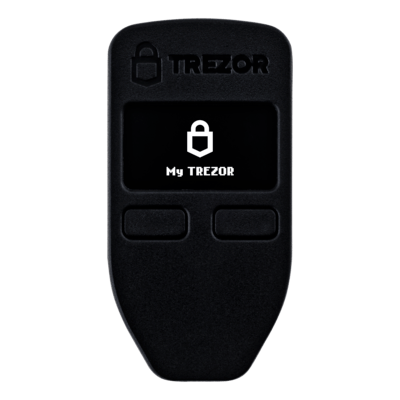 |
TREZOR One | 2013 | $99 | ||
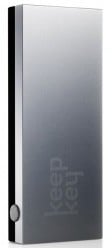 |
KeepKey | 2015 | $129 |
Security
TREZOR provides top-notch security for bitcoin, protecting against both physical and virtual theft.
TREZOR is an HD wallet where you control the private keys, so an entire wallet can be backed up with the 24 words generated on setup. The original 24-word seed is generated using RNG from the device and the computer. The seed is generated offline and displayed on the TREZOR’s screen, which ensures that the seed is never on an internet-connected device.
A PIN code is required on setup, and required for spending. After each incorrect guess the wait between guesses is raised by a power of two. Making 30 guesses would take 17 years.
You can add a passphrase to the 24-word seed for extra security, which acts as a 25th word. You must remember the passphrase because the seed without the passphrase is not enough to recover the wallet. A passphrase offers more security, but if forgotten the wallet cannot be recovered.
You can recover the entire wallet with the 24-word seed and passphrase if used, in the event that your TREZOR is lost or damaged. Recovery can be done with another TREZOR or with other wallets, like Electrum or Mycelium.
TREZOR’s screen allows you to confirm that you’re sending to the intended recipient, but this does not prevent against phishing attacks.
A full overview of how TREZOR handles security threats can be found on the Satoshi Labs website.
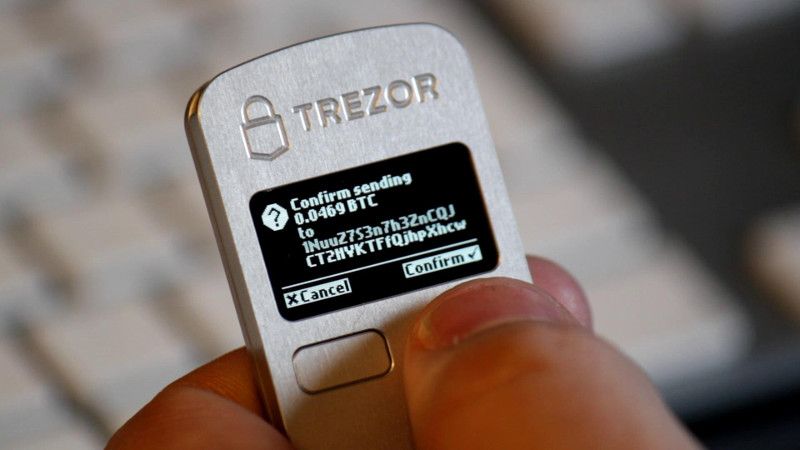
TREZOR’s buttons (as shown above) also make sure that a hacker couldn’t automatically send a transaction from your device. The button must be physically pressed in order to confirm each outgoing transaction.
Setup and Initialization
There are three ways to setup your TREZOR: via myTREZOR.com, the Chrome extension, and via the command line. Setup involves setting the PIN code, device name and password.
myTREZOR.com is TREZOR’s web wallet, while the Chrome extension is an app installed to your browser. The setup process on both is the same. The one difference is that setup in myTREZOR.com is online, while the Chrome extension can be used offline. If you care about your privacy, use the Chrome extension and setup offline.
Backup Seed
As mentioned earlier, you backup your TREZOR by writing down 24 words. These 24 words can then recreate your TREZOR wallet in the event your TREZOR is lost, stolen or damaged.
The TREZOR comes with paper to write down the words:
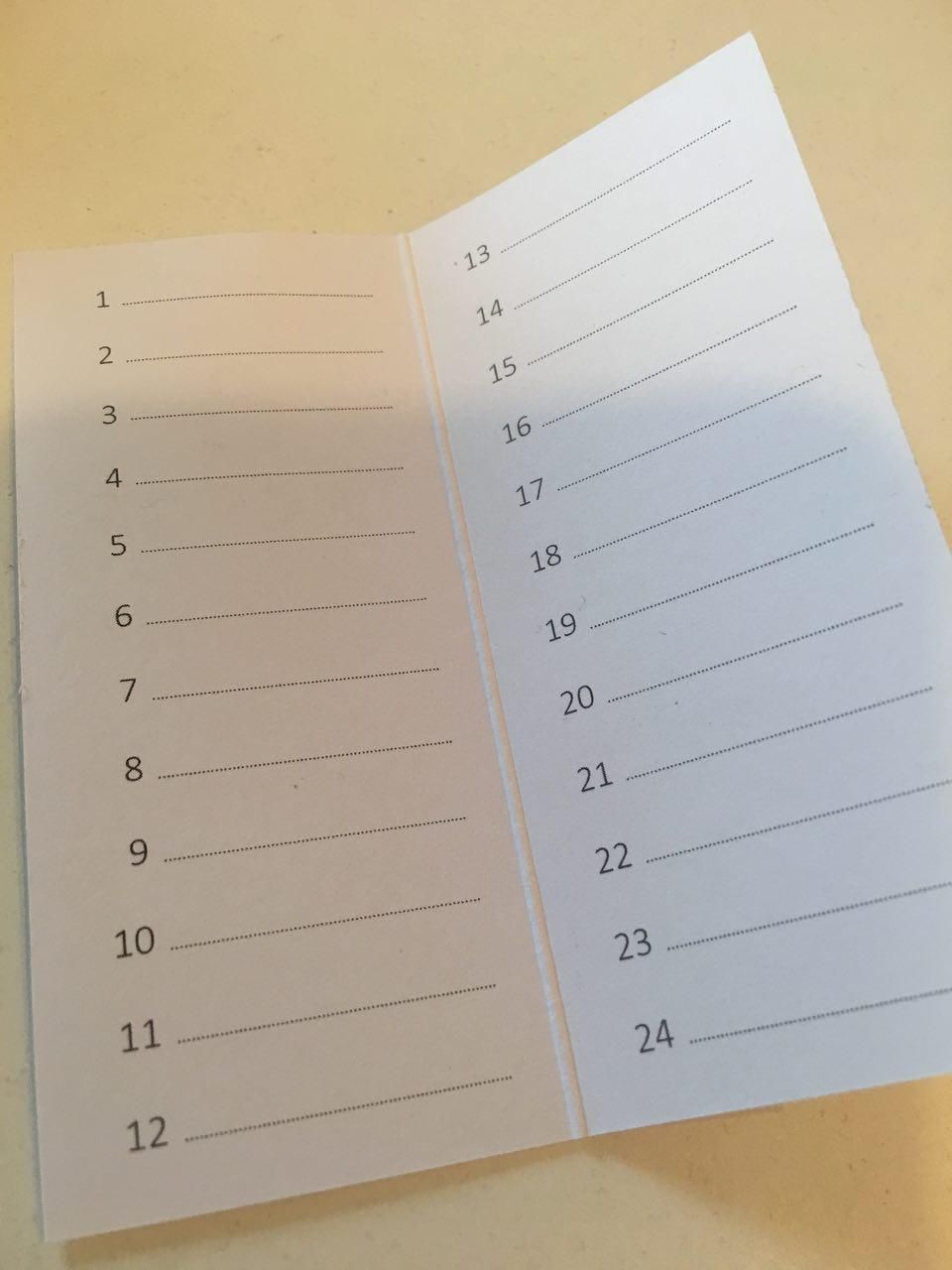
For the extra paranoid user, you may want to store your seed in a fireproof safe. Or, get something like the Billfodl.
The Billfodl is stainless steel backup solution. It allows you to store your 24 word backup seed on material that is much more resistant to fire, electricity, water and other potential dangers to your backup seed.
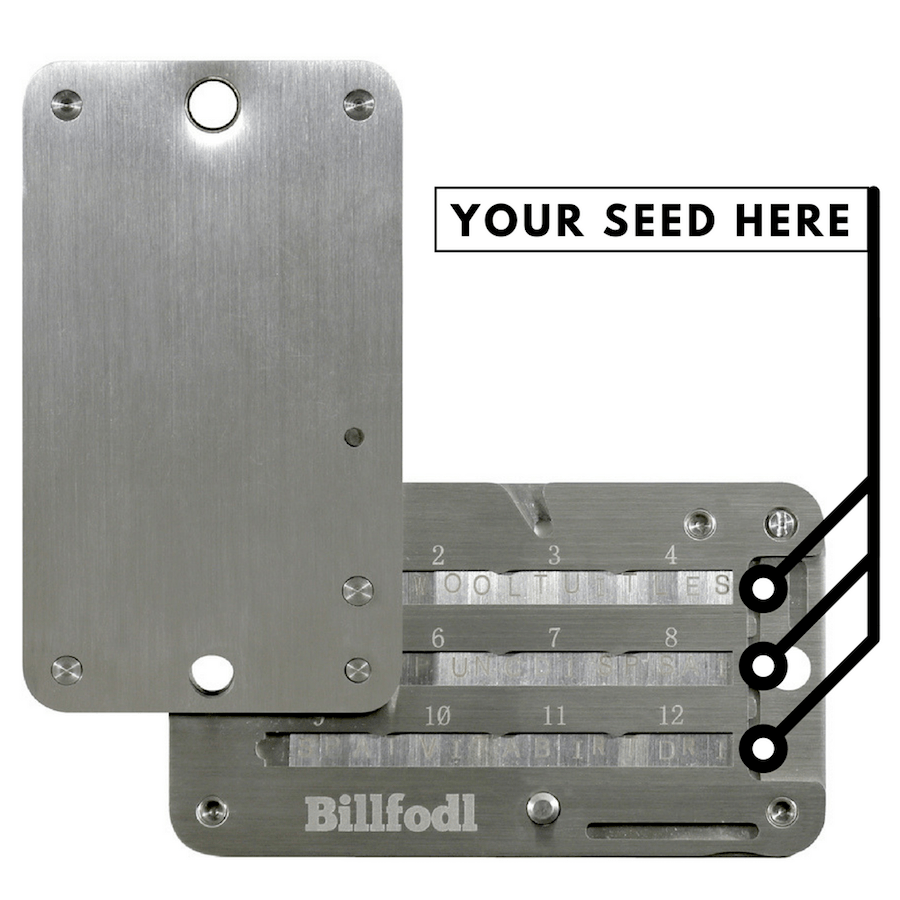
For example, one user had $1 million worth of cryptocurrency backed up on a seed. His house was flooded, and the water destroyed his paper backup seed. This would not have happened had the user been storing his backup seed on stainless steel like the Billfodl.
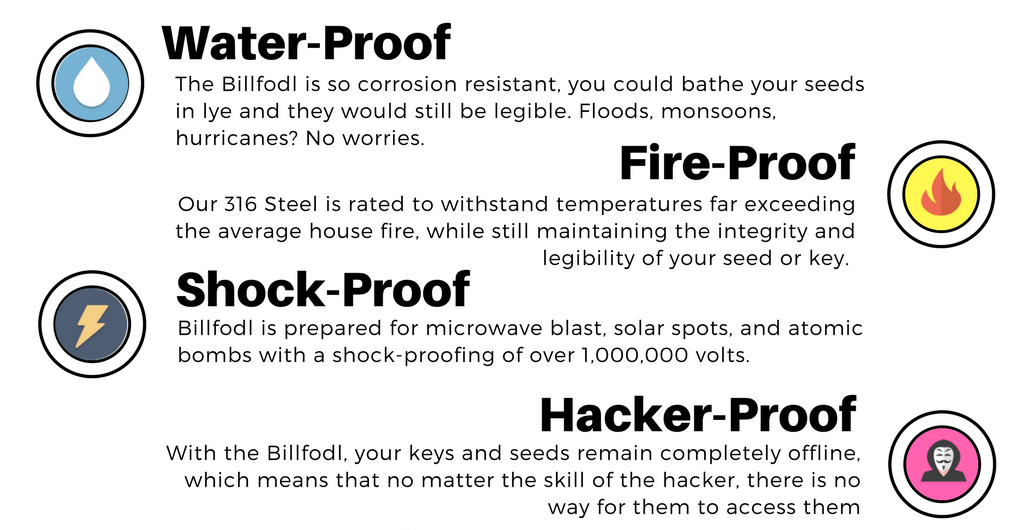
The Billfodl protects your seed from both fire and potential floods. For $80, this can be worth it depending on the amount of cryptocurrency you’re storing on your device.
Privacy
TREZOR itself offers very good privacy. Satoshi Labs has no way of tracking your actions after you receive the device because it has no serial number. All of the software is open source. No usernames or passwords are needed when using TREZOR.
Privacy is determined by the wallet used with TREZOR: Electrum, MultiBit HD, and GreenAddress on desktop, GreenBits and Mycelium on Android, and myTREZOR.com on the web.
Data can be leaked upon setup if using TREZOR’s myWallet. For a more private initialization, use the Chrome extension or the python tools to setup your device on an offline computer.
Software Wallets
Trezor is compatible with a number of wallets, including Electrum, MultiBit HD, and GreenAddress on desktop, GreenBits and Mycelium on Android, and myTREZOR.com on the web. Use the TREZOR Chrome extension to manage your device.